 Wishlist


What really matters (and what you can ignore)
The single thing that determines whether a higher gaming refresh rate helps you is how many frames per second your system can consistently deliver and how fast you need the screen to update. Worry about frame rate and latency first; marketing numbers and headline Hz alone are secondary. If your PC or console can’t push near the display’s refresh rate, the extra Hertz gives you little real benefit.
How much gaming refresh rate do you need?
Short answer: pick a refresh rate that matches your playstyle, your GPU’s realistic FPS, and your budget.
- Casual/single-player players: 60–75Hz is perfectly fine for story games, RPGs, and slower-paced single-player experiences where visual fidelity and resolution matter more than split-second reactions.
- General PC gamers who want smoother motion: 120–144Hz is the sweet spot. It’s a noticeable jump from 60Hz, widely supported, and achievable with midrange GPUs at 1080p or 1440p.
- Competitive FPS and esports: 240Hz or 360Hz can provide measurable advantages for pro-level twitch shooting, tracking, and reaction time—if your system consistently produces very high FPS and you use a high-quality mouse and low-latency setup.
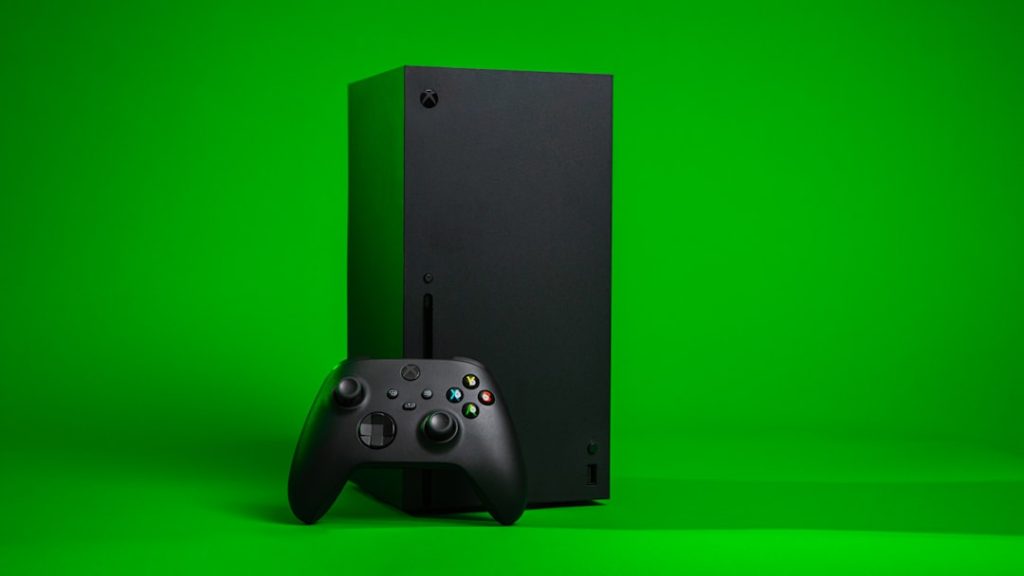
- Console owners: Current-gen consoles often target 60–120Hz. If you’re on PS5/Xbox Series X and a game supports 120Hz at a given resolution, a 120Hz TV or monitor is worthwhile; higher refresh isn't useful on consoles that can’t output it.
Why higher refresh rates help — and where returns drop off
Refresh rate determines how often the image updates per second. The perceptual benefits are twofold: reduced motion blur and lower display-side input lag. Going from 60Hz to 120–144Hz gives a large, easily perceived improvement in smoothness and responsiveness. Moving from 144Hz to 240Hz still helps, but the perceptual gains shrink; the difference is finer and often matters only to very practiced players.
Three practical limits explain diminishing returns:
- Frame output: If your GPU averages 90 FPS in a game, a 240Hz panel cannot magically show more than 90 new frames per second—so a 144Hz monitor is closer to fully utilized.
- Human perception and motor control: Most people notice large jumps (60→144) easily; differences above ~240Hz require trained eyes/hands and competitive practice to exploit.
- Response time and frame pacing: Panel response (ms) and consistent frame delivery matter more than headline Hz. A poorly performing 144Hz panel with bad ghosting can feel worse than a well-tuned 60Hz display with low response time.
Practical considerations: GPU, resolution, ports and settings
Pick a refresh rate that your hardware can support at your preferred resolution. If you want 144Hz at 1440p, budget for a GPU that can sustain 100–144 FPS in your target games. For 240Hz or 360Hz, those targets are realistic mainly at 1080p with high-end GPUs.
- Cables and ports: Use DisplayPort or HDMI 2.1 depending on the monitor and console. For high refresh at high resolution, check the panel’s input requirements (DisplayPort 1.4, HDMI 2.1).
- Adaptive sync: G-Sync or FreeSync smooths mismatches between FPS and refresh rate and reduces stutter—valuable if your FPS fluctuates widely.
- Frame limiting: Cap your FPS close to your monitor’s refresh rate to minimize latency and reduce tearing if you’re not using adaptive sync.
- Also check: monitor response time (1–5 ms), motion blur reduction options, and the manufacturer’s QA; these impact perceived clarity as much as Hz.
If you want guidance on selecting a monitor that balances these factors, see How to Choose the Right Gaming Monitor for Your Setup.
When the highest refresh rate makes sense
Buy 240Hz or 360Hz only if all these are true: you play fast-paced competitive titles, you already have a high-end GPU that can sustain very high FPS at your resolution, you use low-latency peripherals (mouse, mousepad), and you prioritize every marginal advantage. For most people who play a mix of genres or prefer visuals, 144Hz is a better balance.
Monitor and desk considerations when upgrading
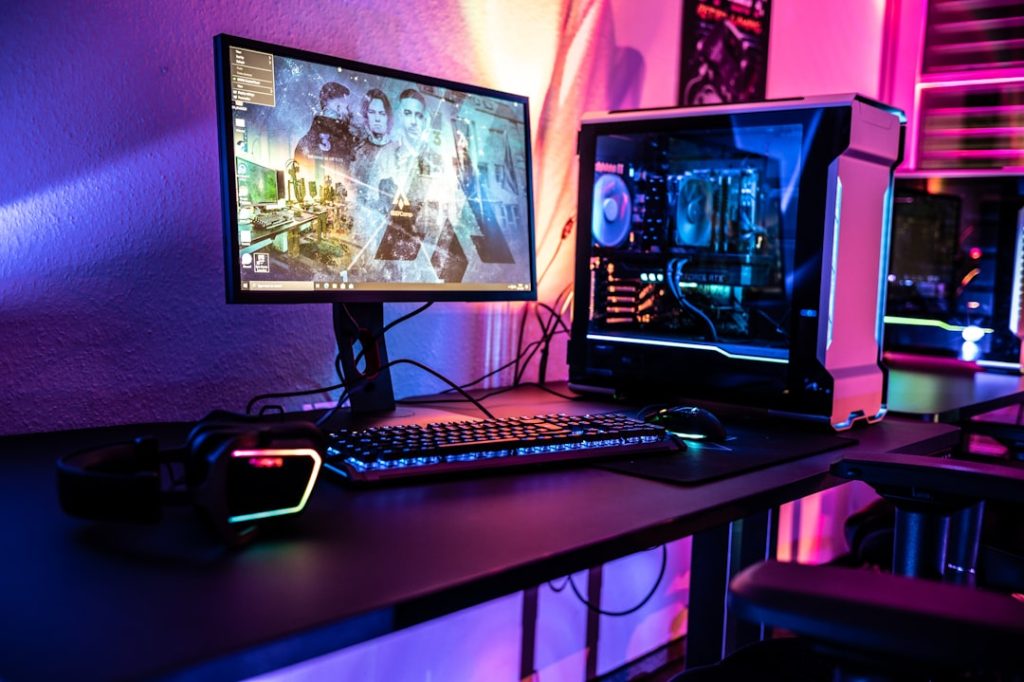
Higher-refresh monitors are often larger or multiple-monitor setups. Make sure your desk and mount support your configuration—a stable, roomy surface matters because faster gameplay exaggerates small tracking errors caused by unstable mounts or cramped positioning.