 Wishlist

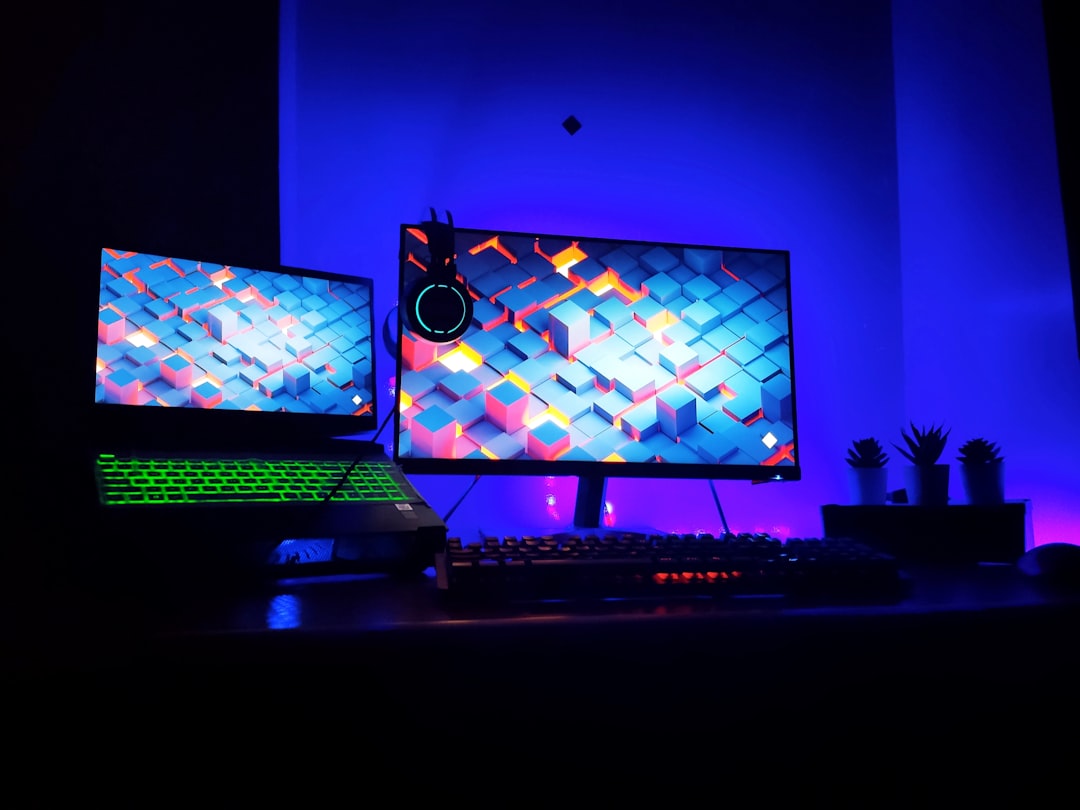
Short answer: pick width for monitors and depth for comfort
Start with this simple rule: size your desk around how many monitors and how much peripheral space you actually use. For most desktop gamers a 48–60 inch (120–150 cm) wide desk with 24–30 inch (60–75 cm) depth is the sweet spot. Move up to 60–72+ inches (150–180+ cm) or an L-shaped desk when you run dual/ultra-wide or need dedicated streaming, work or laptop zones.
Finding the right gaming desk size
Decide first on two numbers: width (left-to-right) and depth (front-to-back). The width determines how many items sit side-by-side (monitors, speakers, mic boom, stream deck), while depth controls how far your monitor sits from your eyes and how much wrist space your keyboard and mouse need.
Common practical size ranges
- Compact players / laptop-only: 36–45 in (90–115 cm) wide, 20–24 in (50–60 cm) deep — enough for a laptop, small monitor and compact keyboard.
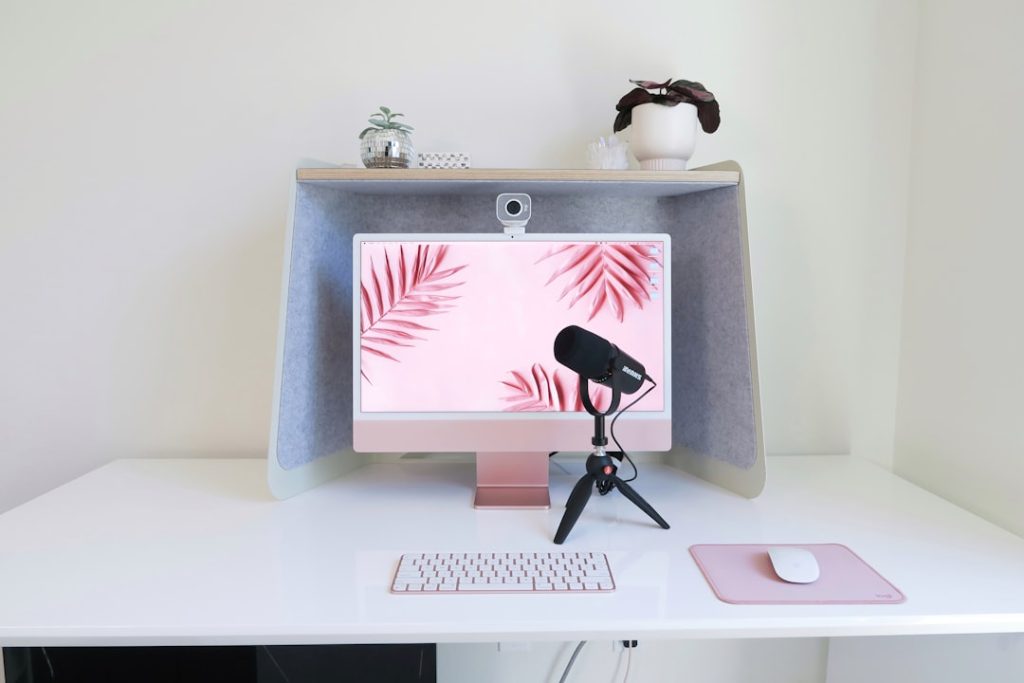
- Single-monitor desktop (24–27"): 48 in (120 cm) wide, 24–30 in (60–75 cm) deep — gives room for full-size keyboard, 360° mouse movement and speakers/desk lamp.
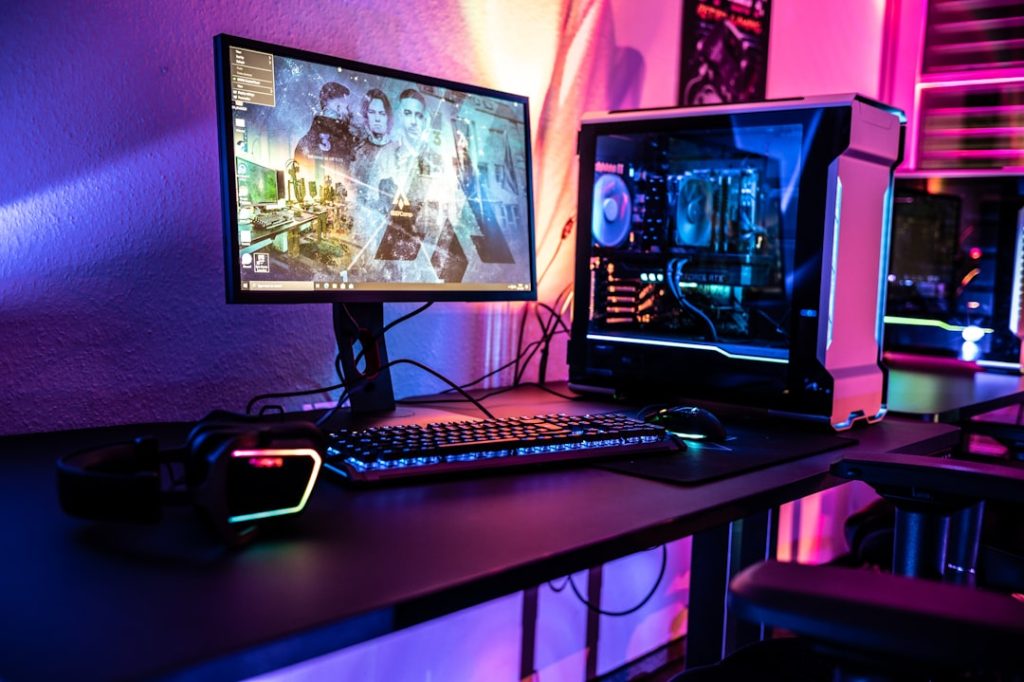
- Dual monitors or large ultrawide (34"+): 60–72 in (150–180 cm) wide, 30 in (75 cm) deep — fits two 27" monitors or a 34–49" ultrawide plus peripherals comfortably.
- Triple-monitor or multi-desk workflows: 72 in+ (180+ cm) or L-shaped desk — use an L-shape if you need distinct work and play zones without dominating the room.
Depth matters as much as width
A 24-inch depth is the minimum for proper viewing distance with a standard monitor stand; 30 inches is better if you use monitor arms, large ultrawides, or like having speakers and a mic boomed forward. Shallow desks can force you to push the monitor too close or reduce mouse space — both bad for posture and aiming.
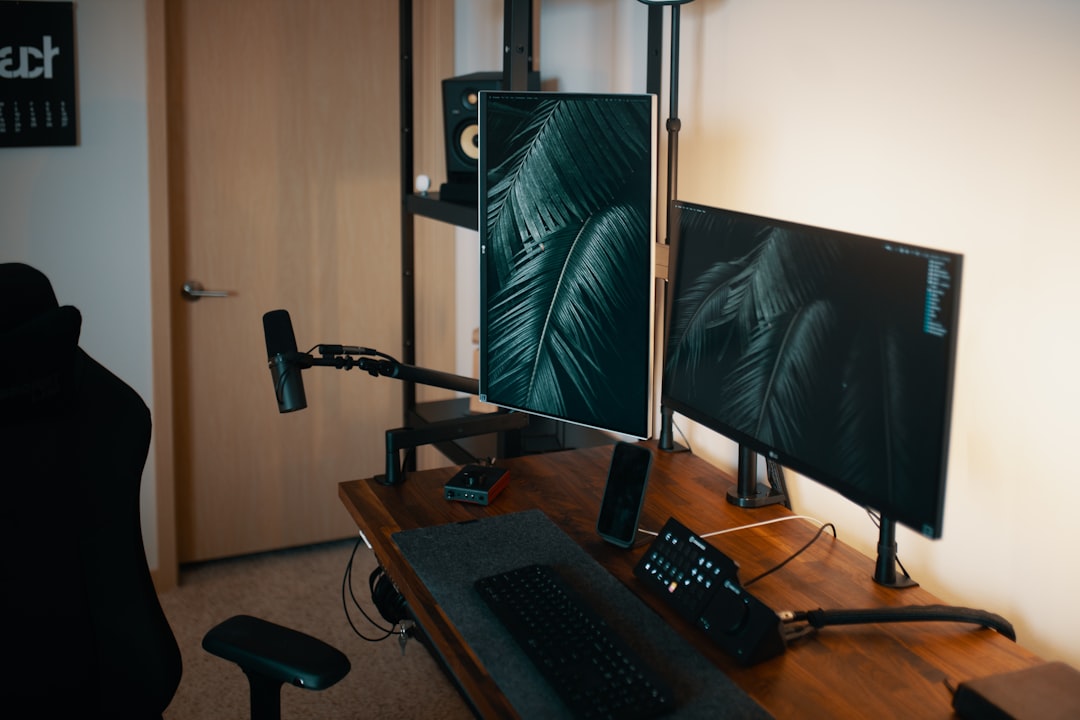
Peripherals and layout that change the size you need
Don’t plan by monitors alone. Ask how you use the surface:
- If you stream, you’ll want space for a mic boom and a secondary laptop or control surface — add 12–24 in (30–60 cm) to your width.
- If you use a large mouse pad and low-DPI wide sweeps, prioritize depth and a clear left-to-right area.
- If your build includes studio monitors, speakers need side clearance; allow an extra 6–12 in (15–30 cm) each side or use stands.
- For console controllers, VR gear, or tabletop play, an L-shaped desk or a 72 in+ width is much more comfortable.
Standing desks and adjustable-height considerations
Adjustable desks still need horizontal space. Many electric standing desks are 48–72 in wide, but if you plan to change between sit/stand with multiple monitors, choose a width that keeps monitors centered when raised; a 60 in surface is often the happy medium.
Room constraints, doorways and leg clearance
Measure the room before you buy: door widths, elevator size, and stairs can rule out large desktops regardless of your wish list. Also measure the floor-to-desk height you need for knee clearance — don’t forget drawers, CPU stands, or a keyboard tray that reduces leg room.

When smaller is better and when bigger matters
Choose a smaller desk when:
- Your space is limited and you only game casually or on a laptop.
- You want a minimalist esports setup with a focused mouse area and fast arm movement.
Choose larger when:
- You stream, create content, or do PC work alongside gaming.
- You have multi-monitor casts, sim rigs, or prefer having a dedicated second workstation.
Accessories that save space or change your needs
- Monitor arms free desk width and let you pull screens closer without needing extra depth.
- Under-desk cable trays and CPU mounts clear floor space and influence whether an L-shaped desk is feasible.
- A large desk mat (mouse pad) consolidates mouse and keyboard space so you don’t need extra depth.
Quick sizing checklist before you buy
Do these measurements and decisions first to avoid returns or awkward fits:
- Measure doorway and delivery path.
- Place tape on the floor the planned desk width to visualize footprint.
- Measure monitor stands/arms and probe how far you’ll sit from the screen.
- Account for speakers, mic boom, lamp and a PC tower or cable tray.
- Decide if a corner/L-shape will save space or simply add unused surface.
For details on choosing monitor sizes that work well with your desk, see our guide on How to Choose the Right Gaming Monitor for Your Setup.
- Measure the room, doorways and where the desk will sit.
- Mark proposed desk footprint on the floor with tape.
- List all gear that must sit on the desk and space each item needs.
- Decide on fixed vs adjustable height and check clearance for raised monitors.
- Plan cable routing and whether you need an under-desk tray or CPU mount.
Your ideal gaming desk size is determined first by how many monitors and peripherals you use, then by how you sit and move. If you split between gaming and streaming/work, choose wider or an L-shaped surface; if space is tight, favor depth and monitor arms.
Is 48 inches wide enough for a gaming desk?
Yes for a single monitor and full-size keyboard; add depth of 24–30 inches to ensure comfortable viewing and mouse space.
What desk depth is best for gaming?
At least 24 inches, but 30 inches is preferable for larger monitors, monitor arms, and to keep your monitor at a healthy viewing distance.
Should I get an L-shaped desk or a bigger straight desk?
Choose an L-shape if you need separate zones (streaming, recording, paperwork) without using more floor width; choose a wider straight desk if you want a clean, continuous surface.
Do monitor stands reduce required desk width?
Monitor arms can reduce the width footprint by freeing desk real estate, but they don't reduce depth needs for viewing distance and mouse space.
How do I fit a tower under the desk without losing legroom?
Tuck the tower on a small stand or mount it to the underside of the desk; leave at least 6–12 inches between the tower and your knees for comfort and airflow.